Make
Free and ready to run

Make templates with a human in the loop

Ready-to-run scenarios that let AI draft the work and wait for your approval before anything reaches a customer. Open one in your own Make account and turn it on.

Free to use · 500 monitored outputs per month · No credit card required

Published on Make

See the scenario, then open it in your account

Every module is already wired. Attach your connections, turn it on, and the first draft is waiting for you.

Gmail Make AI Agent Tracira approval

AI email replies with human approval

Let AI answer your inbox: but nothing reaches a customer until you approve it (from your phone).

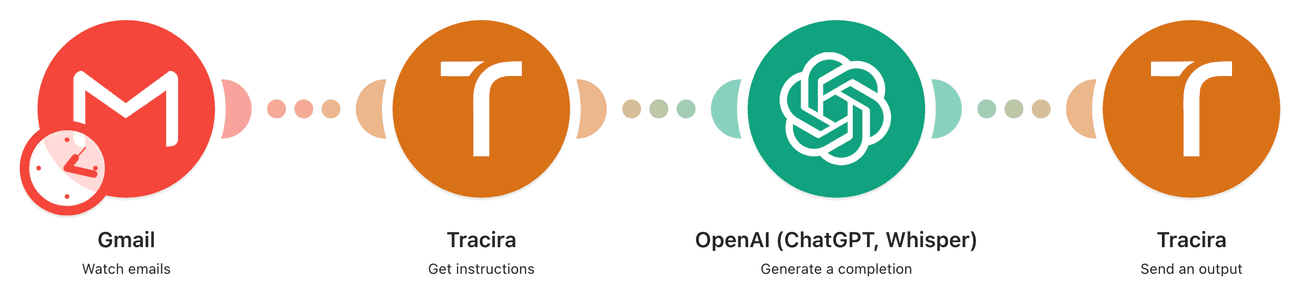
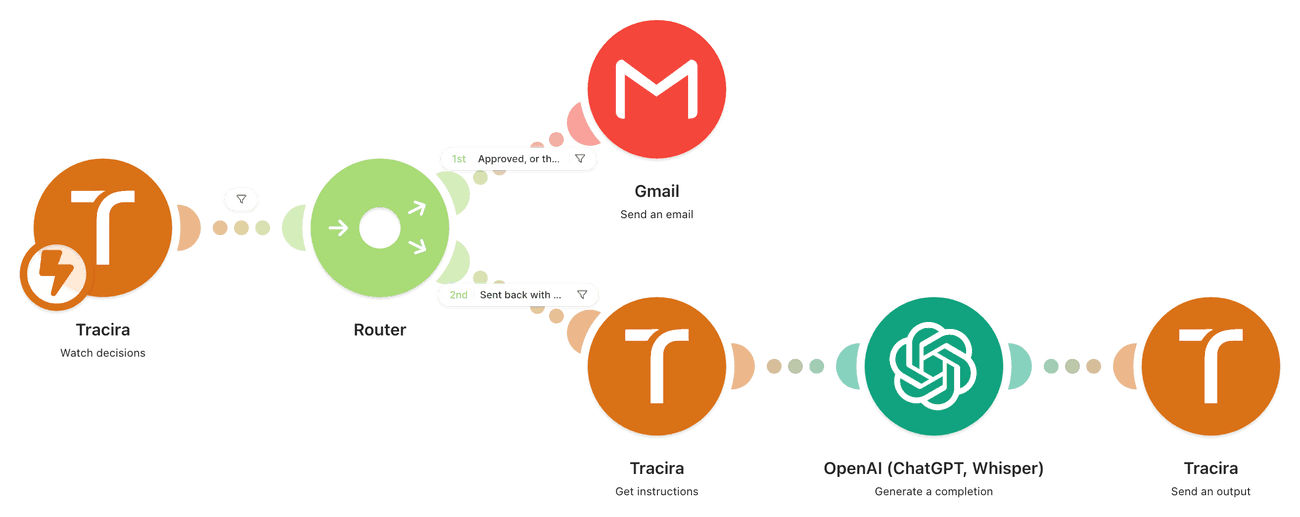
Two scenarios that work as one automation. The first drafts a reply to every new email and hands it to Tracira, where it waits. The second fires the moment you decide, and sends the reply: yours if you rewrote it, the AI's if you approved it as-is. Open both.

  • 1

    101 New email → Tracira

    Watch emails picks up each new message, Make's built-in AI drafts a reply, and Send an output hands it to Tracira. Nothing is sent: the draft waits for a human. Because it uses Make's native AI, you do not need your own API key.
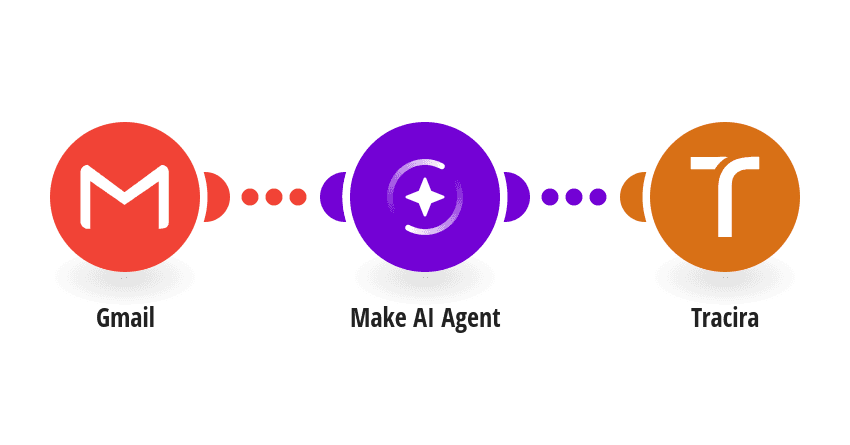
    101 New email → Tracira scenario in Make
  • 2

    102 Tracira → Send email

    Watch decisions fires the moment someone decides. Approve and Gmail sends the AI's reply. Rewrite it first and Gmail sends your version instead. Reject it and nothing goes out.

    102 Tracira → Send email scenario in Make

Open both. One drafts, the other sends: with only the first turned on, drafts pile up in Tracira with nothing to send them.

From clone to running in a minute

Three steps to set up

1

Open the scenario

Click Open in Make on each of the two scenarios above. Both land in your own account with every module wired and mapped.

2

Attach your connections

Open each module and pick your real Gmail and Tracira accounts. The Tracira connection is a token from Integrations, and there is nothing to set up on the Tracira side: saving the trigger registers it for you.

3

Turn both on, then review

Both scenarios need to be on: one drafts, the other sends. Each draft then waits in Tracira until you approve, reject, or edit it from any device.

Building your own scenario instead? See how Tracira connects to any Make scenario →

Using n8n instead? Browse the n8n templates →

Simple pricing

The templates are free. So is starting with Tracira.

Free includes 500 monitored outputs per month. Starter begins at $29/month, Pro at $79/month.

Free

$0

per month · forever

  • 500 AI outputs checked per month
  • 7-day activity history
  • 500 MB media storage
  • Keyword and regex rules
  • Slack and email alerts
  • Make, n8n, and HTTP gate mode
Start free
Recommended

Starter

$29

per month · billed monthly

  • 5,000 AI outputs checked per month
  • 30-day activity history
  • 2.0 GB media storage
  • Everything in Free
  • LLM-powered rules (BYOK)
  • Buy extra outputs anytime
Get Starter

Pro

$79

per month · billed monthly

  • 25,000 AI outputs checked per month
  • 90-day activity history
  • 10.0 GB media storage
  • Everything in Starter
  • Unlimited LLM rules
  • Buy extra outputs anytime
  • Priority support
Get Pro

7-day retention on Free · 30-day on Starter · 90-day on Pro · credits reset monthly, no rollover

Paid subscriptions renew until canceled. Fees are non-refundable except where required by law.

Questions about the templates

Everything you need to know before you clone one.

Tracira

Clone a scenario and put a human back in the loop.

Free to start. Works with any Make plan.